Admin Breakdowns
This page lists all open and closed breakdowns and can only be viewed by users with the role of Admin.
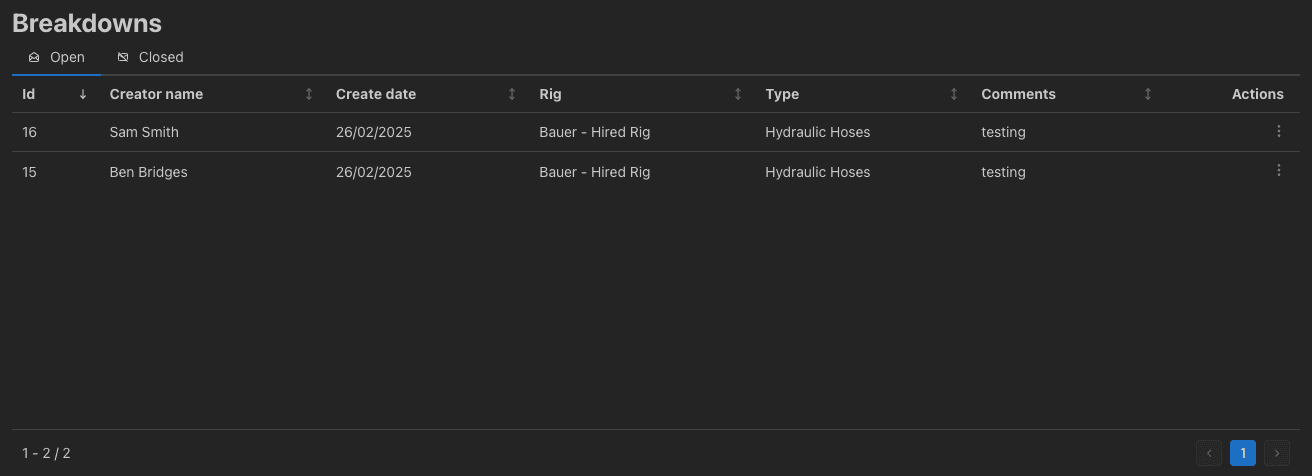
You can switch between open and closed breakdowns by clicking the Open and Closed tabs respectively. The actions menu can be accessed by clicking on the three dots in the actions column on the relevant row in the table.
This gives you access to the following actions:
- View Images - Opens a window to view the images uploaded with the breakdown.
- Close Breakdown - Opens a window to enter a description of the resolution of the breakdown and close it.
- Delete Breakdown - Deletes the breakdown from the system. This is non-destructive and the breakdown can be recovered by IT.