Breakdown Form
The breakdown form is used to record the breakdown of a machine. The form is pictured below:
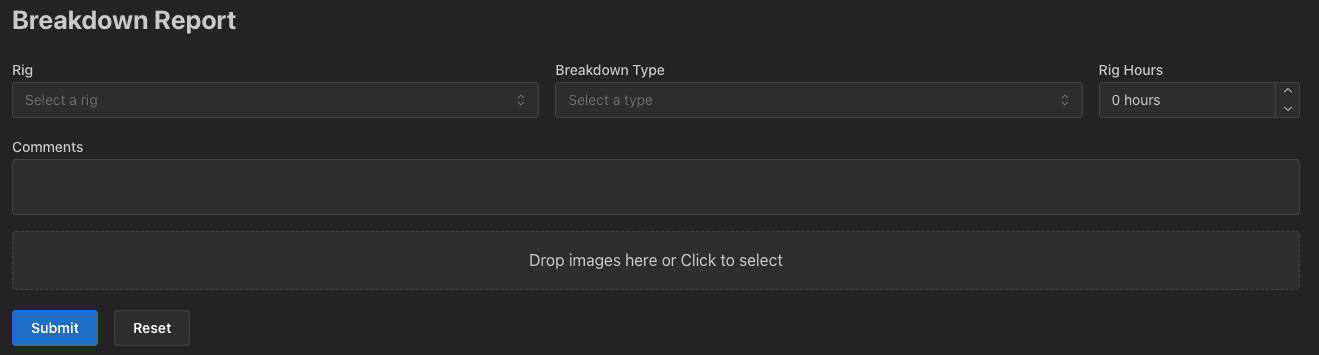
To fill out the form, follow these steps:
- Select a rig, scroll through the list or start typing to search for a rig.
- Select a breakdown type, scroll through the list or start typing to search for a breakdown type.
- Enter the rig hours
- Enter an optional description of the breakdown.
- Optionally upload photos of the breakdown. A preview of each photo will be shown. Click the red bin icon to remove a photo.
- Click the
Submitbutton to submit the form.
Once the form has been submitted, the breakdown will be recorded in the system and an email will be sent to the plant team.